147 programming languages · Free · macOS 14+
1Click Language Store app icon

The App Store for
Programming Languages

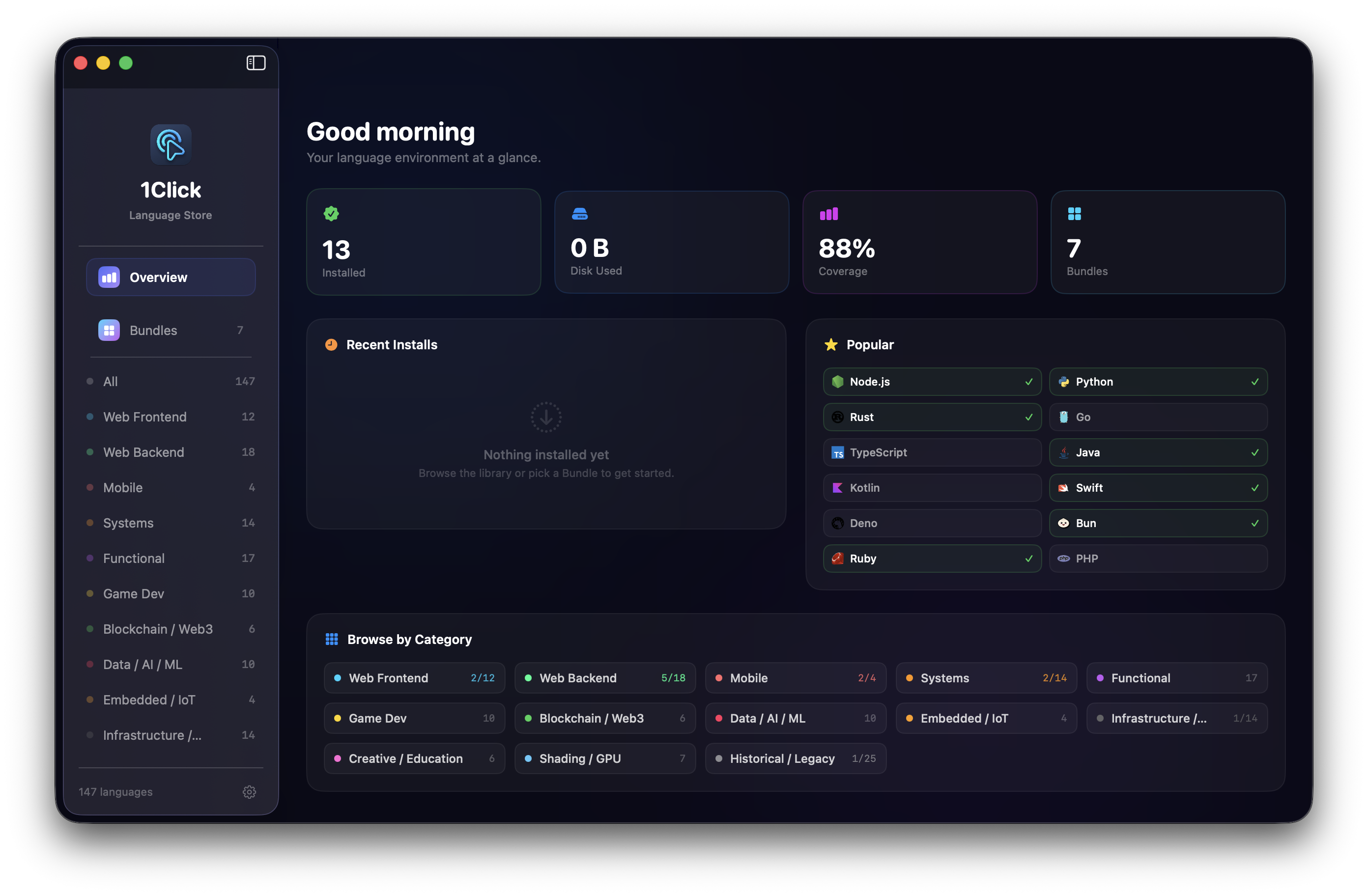
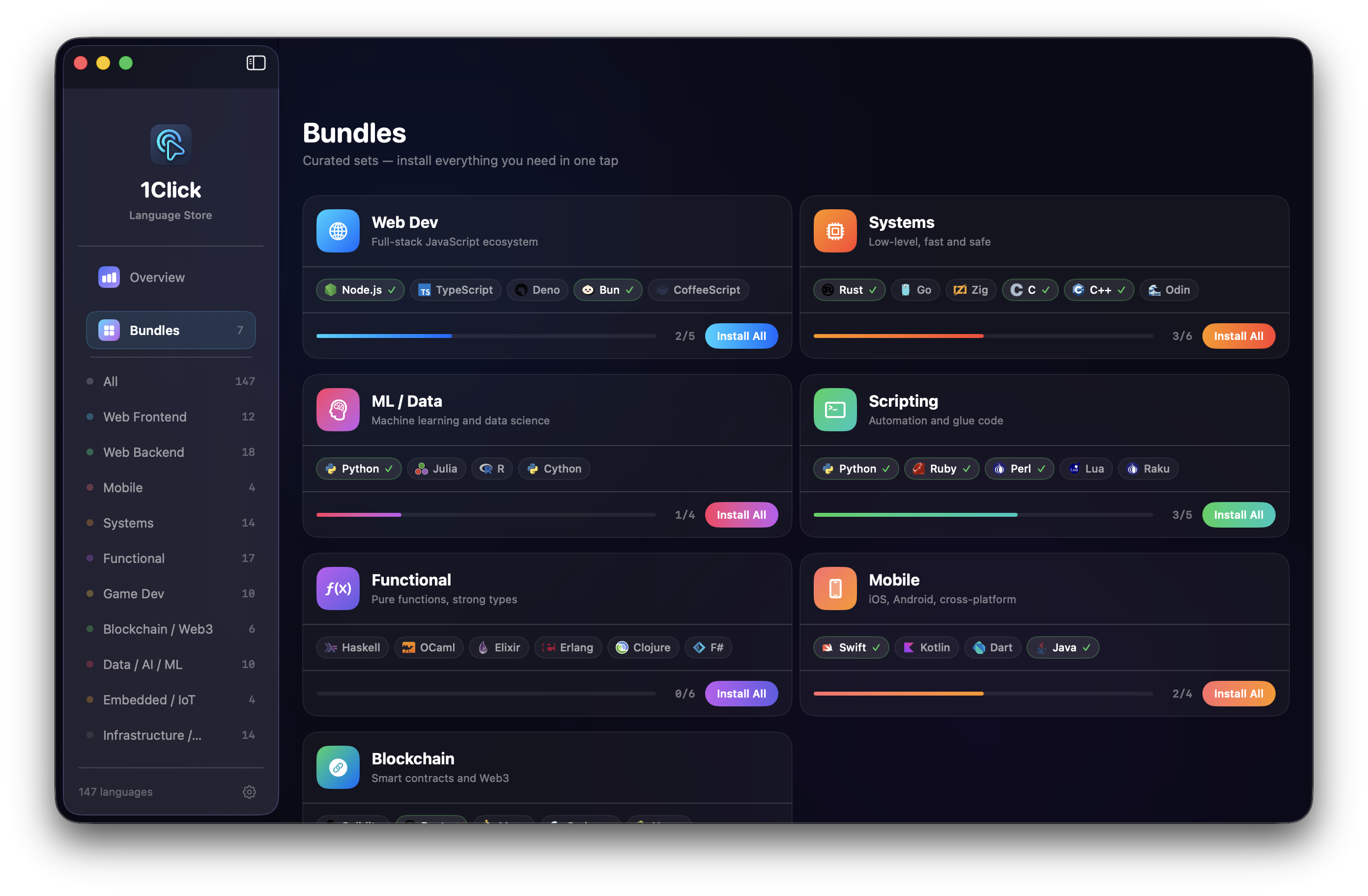
Browse, discover, and install 147 languages on macOS with one click. No Terminal. No Homebrew commands. No documentation hunting.

147
Languages
13
Categories
3x
Concurrent Downloads
1
Click to Install

Everything you need,
nothing you don't

Built natively for macOS. Thoughtfully designed for developers who value their time.

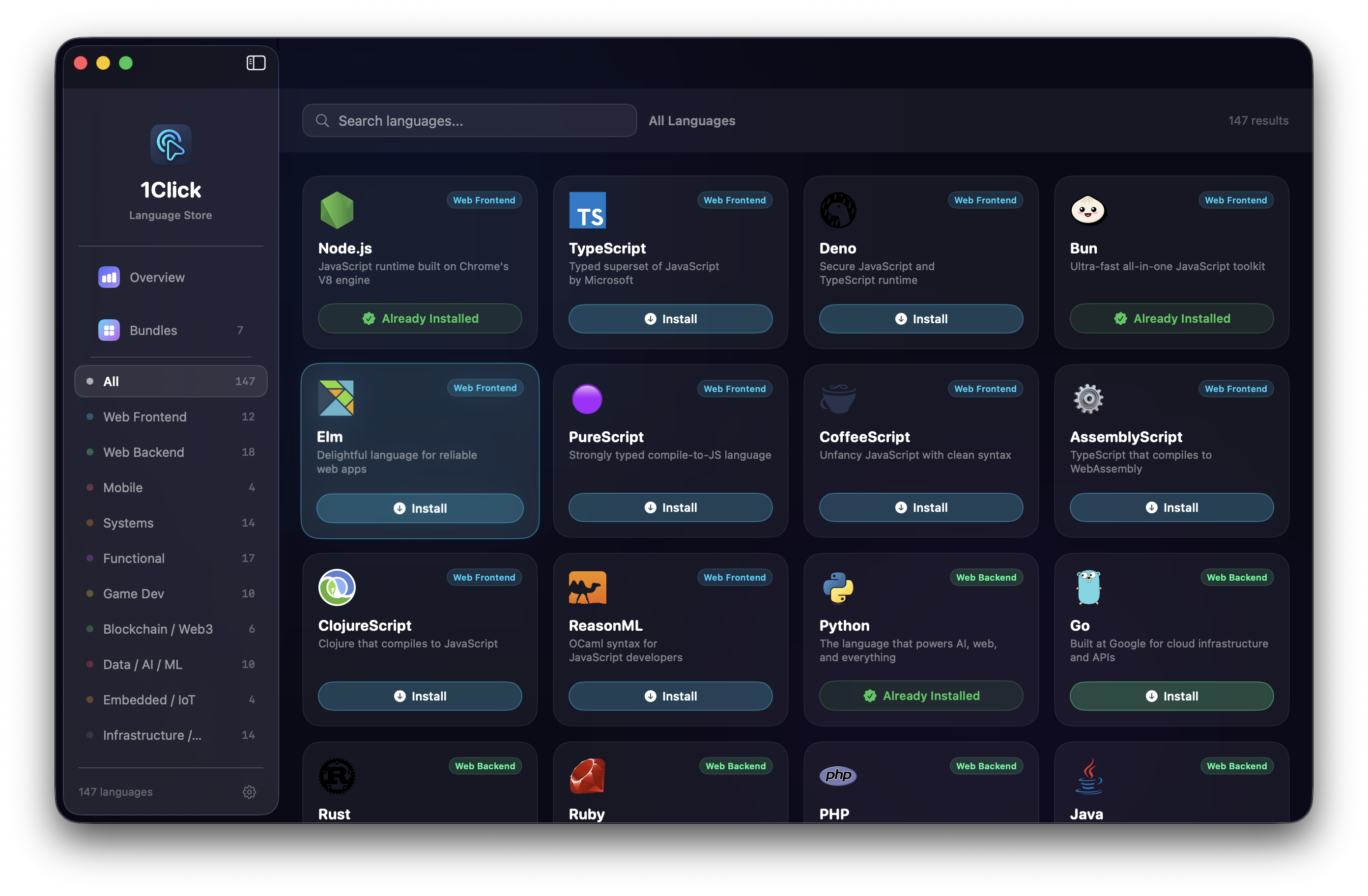
Auto-detects Installed Tools

Scans your system on launch and marks what's already installed. No surprises, no duplicates.

Real Download Progress

A live per-language progress bar — not a spinner that lies. Watch exact bytes land.

Concurrent Downloads

Up to 3 languages download simultaneously. The rest queue automatically — no babysitting needed.

Real Language Icons

Every language shows its actual logo. Not a generic emoji or placeholder — the real thing.

Modifies Your PATH

Adds installed tools to your shell profile automatically. Open any terminal and they just work.

Liquid Glass UI

A dark, minimal native macOS interface. Built with SwiftUI — feels like it belongs on your Mac.

147 languages, one place

From cutting-edge to historical — every programming language you could ever need.

13 categories, zero gaps

Whatever you're building, there's a language for it. And it's one click away.

Web Frontend 12
Web Backend 18
Mobile 4
Systems 14
Functional 17
Data / AI / ML 10
Game Dev 10
Blockchain / Web3 6
Infrastructure 14
Embedded / IoT 4
Creative / Education 6
Shading / GPU 7
Historical / Legacy 25

Get started in seconds

Two ways to install. Pick whichever feels right.

Homebrew Recommended

One command. Done. Tap the repo and install the cask.

brew tap NurikDz/apps && brew install --cask oneclick

Manual Install

Download the DMG and drag to Applications. No command line required.

  1. Download OneClickLangs.dmg from GitHub Releases
  2. Open the DMG and drag OneClickLangs.app to your Applications folder
  3. Launch the app and start installing languages

Gatekeeper notice: The app is ad-hoc signed (not notarized). On first launch, right-click → Open if macOS blocks it.

macOS 14 Sonoma or later Apple Silicon & Intel Mac Free & open source · MIT